
VS Code themes

Visual Studio Code Themes by WolfRor
This page presents Visual Studio Code color themes published on the VS Marketplace.
These Visual Studio Code extensions are published under the publisher name wolfror.
In VS Code, you can change the color theme of the editor.
In the VS Marketplace you can find 5 themes created by me:
Dark themes:
Bloody Night
Dark Forest
Sea of Kraken
Light themes:
Ice Dawn
Sunny Forest
If you want to see all themes on the marketplace, click here
To use the theme, install it from the VS Marketplace and select it in VS Code via
Preferences → Color Theme.

Bloody Night
Bloody Night theme for VS Code. A great mix of black and red.




Screenshot
Screenshot of Loxone-Weather-UDP written in Python
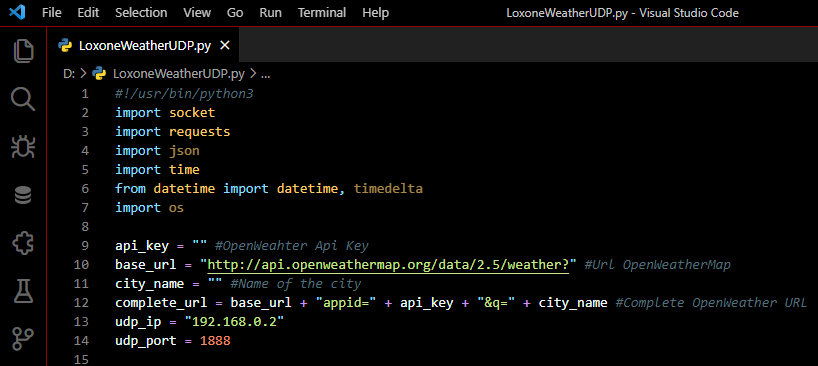
If you like it, check out Bloody Night
GitHub
You can take a look at the code here
Changelog
You can check the changelog here

Ice Dawn
Ice Dawn theme for VS Code. A great mix of white and blue.




Screenshot
Screenshot of Loxone-Weather-UDP written in Python
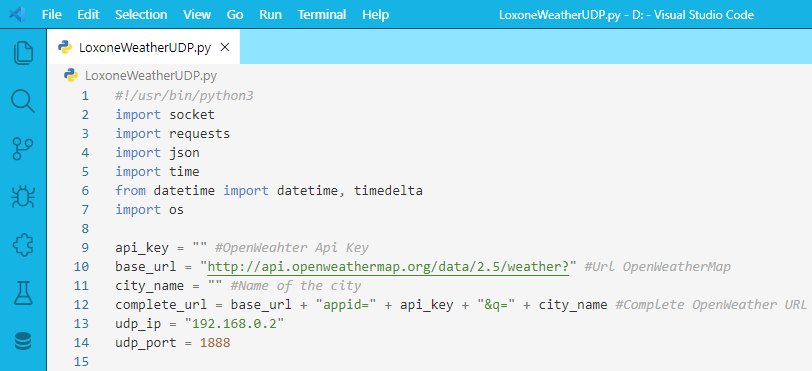
If you like it, check out Ice Dawn
GitHub
You can take a look at the code here
Changelog
You can check the changelog here

Dark Forest
Dark Forest theme for VS Code. A great mix of green and brown.




Screenshot
Screenshot of Loxone-Weather-UDP written in Python
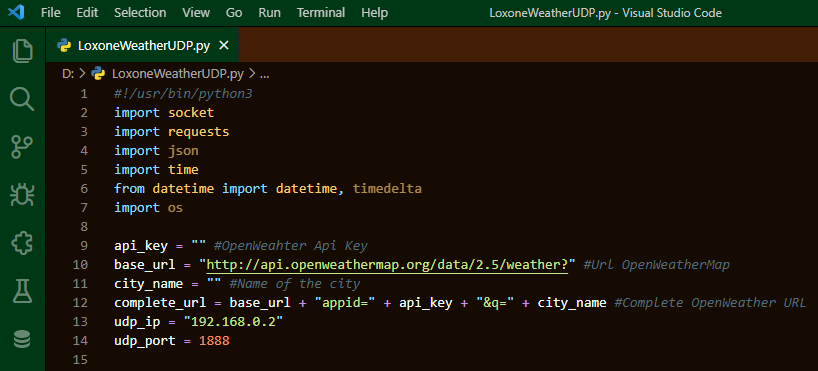
If you like it, check out Dark Forest
GitHub
You can take a look at the code here
Changelog
You can check the changelog here

Sunny Forest
Sunny Forest theme for VS Code. A great mix of white and green.




Screenshot
Screenshot of Loxone-Weather-UDP written in Python
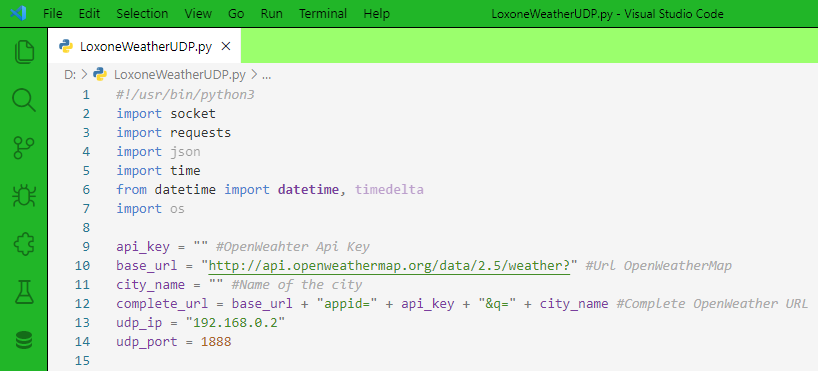
If you like it, check out Sunny Forest
GitHub
You can take a look at the code here
Changelog
You can check the changelog here

Sea of Kraken
Sea of Kraken theme for VS Code.


Screenshot
Screenshot of Loxone-Weather-UDP written in Python

If you like it, check out Sea of Kraken
GitHub
You can take a look at the code here
Changelog
You can check the changelog here